The gallery is built, the cover is set, the link is copied. Then you stare at an empty email. What you write here is the first thing your client reads before they see a single photo, and a few plain sentences do more than a long one full of exclamation marks.
Below is what a delivery message needs to say, then five short templates you can copy: a wedding, a family session, a portrait session, a corporate client and a reminder before the gallery closes. Change the words in square brackets and make them sound like you.
What every delivery message needs
- Their names, and one warm line about the day or the session. Personal, short, true.
- The link, on its own line, so it is easy to tap on a phone.
- The password, if the gallery has one.
- What to do: look, download, choose favorites, and how many if there is a limit.
- How long the gallery stays open, as a date.
- A nudge to download and keep their own copy.
- How to reach you if something does not work.
Keep it to what fits on one phone screen. Anything longer, such as print advice or album options, can go in a separate message a few days later.
Subject lines that get opened
- Your wedding photos are here, [Names]
- Your family photos are ready to see
- [Name], your portraits are ready
- [Company] headshots: your gallery is ready
- Your gallery closes on [date]
Avoid words that look like spam ('FREE', lots of capitals, several exclamation marks), and send from the address the client already knows.
Template 1: a wedding
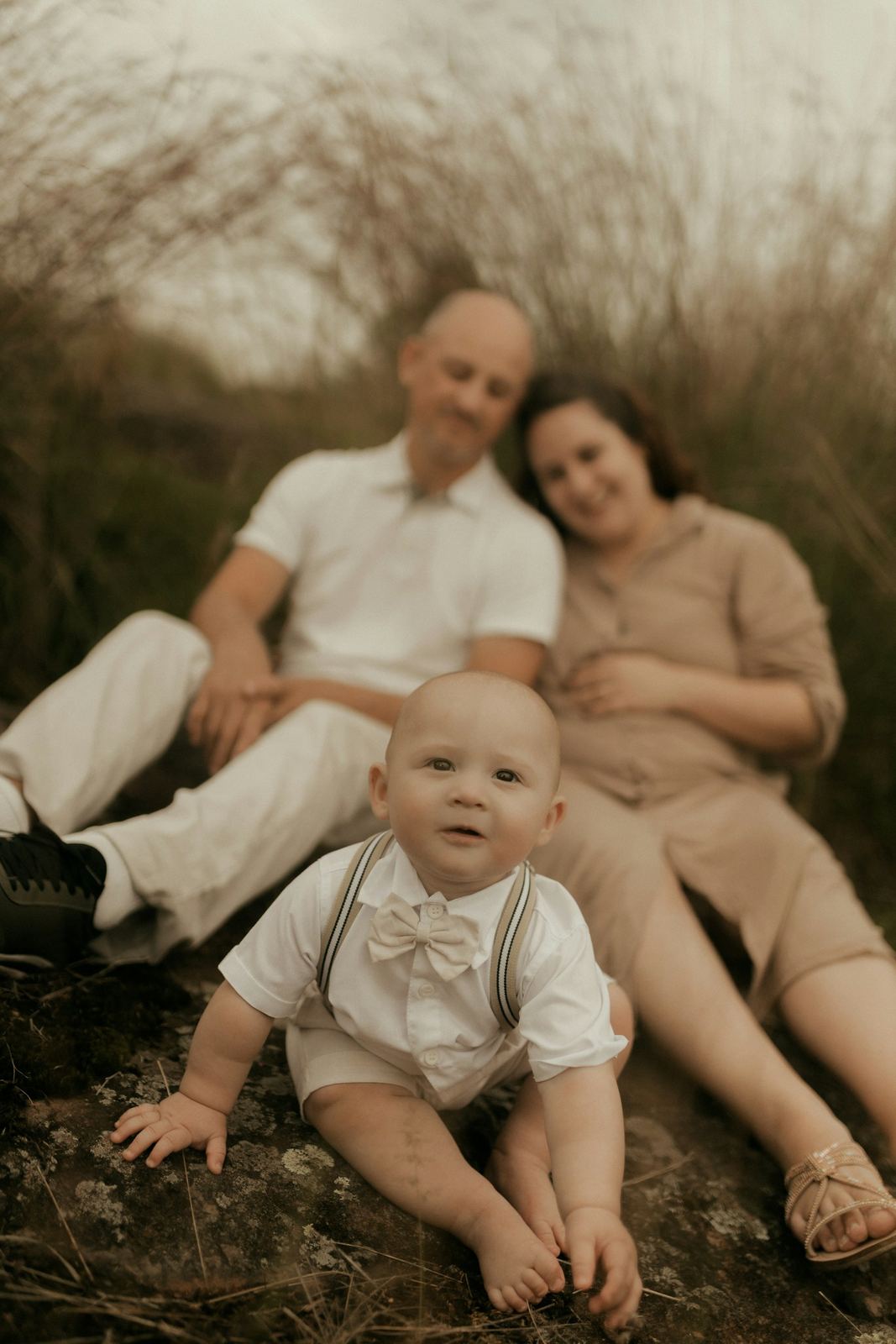
Template 2: a family session
Template 3: a portrait session
Template 4: a corporate client
Template 5: a reminder before the gallery closes
Small things that make a delivery message better
- Send it at a time they can enjoy it, for example a weekday evening, not 2 a.m. after a long edit.
- For a sensitive or corporate gallery, you can send the password in a separate message from the link.
- Do not ask for a review in the first message. Let them enjoy the photos, and ask a week later.
- If the gallery is in a language other than yours, write the message in the client's language too.
If you are not sure how long the gallery should stay open, we go through it in how long to keep client photos.
How Capturely sends the gallery for you
In Capturely, Send to client emails your client the gallery link in the gallery's language (galleries come in 13 languages), with the password included if the gallery has one. You can also copy the link and send one of the templates above your own way. With the client's email on the gallery, Capturely also sends the reminder: one email three days before the gallery closes. On Pro and Studio, galleries carry no Capturely branding. See how the gallery looks to your client on the client gallery page.
Questions photographers ask
Should I send the gallery by email or by text?
Email first, because it is easy to find again months later. If the client lives in a messaging app, send a short text as well, saying the gallery is in their inbox.
Should the password go in the same email as the link?
For most family and wedding galleries, yes, it saves a step. For corporate or sensitive work, sending the password separately adds a small layer of protection.
How long should the delivery message be?
Short enough to read on one phone screen. Everything else can wait for a second message.
When should I send the reminder?
A few days before the gallery closes. Earlier reminders are easy to ignore, and a reminder on the last day leaves no time to download a big gallery.
Send your next gallery with one click and an automatic reminder, free to start.
Try Capturely free