Client gallery software

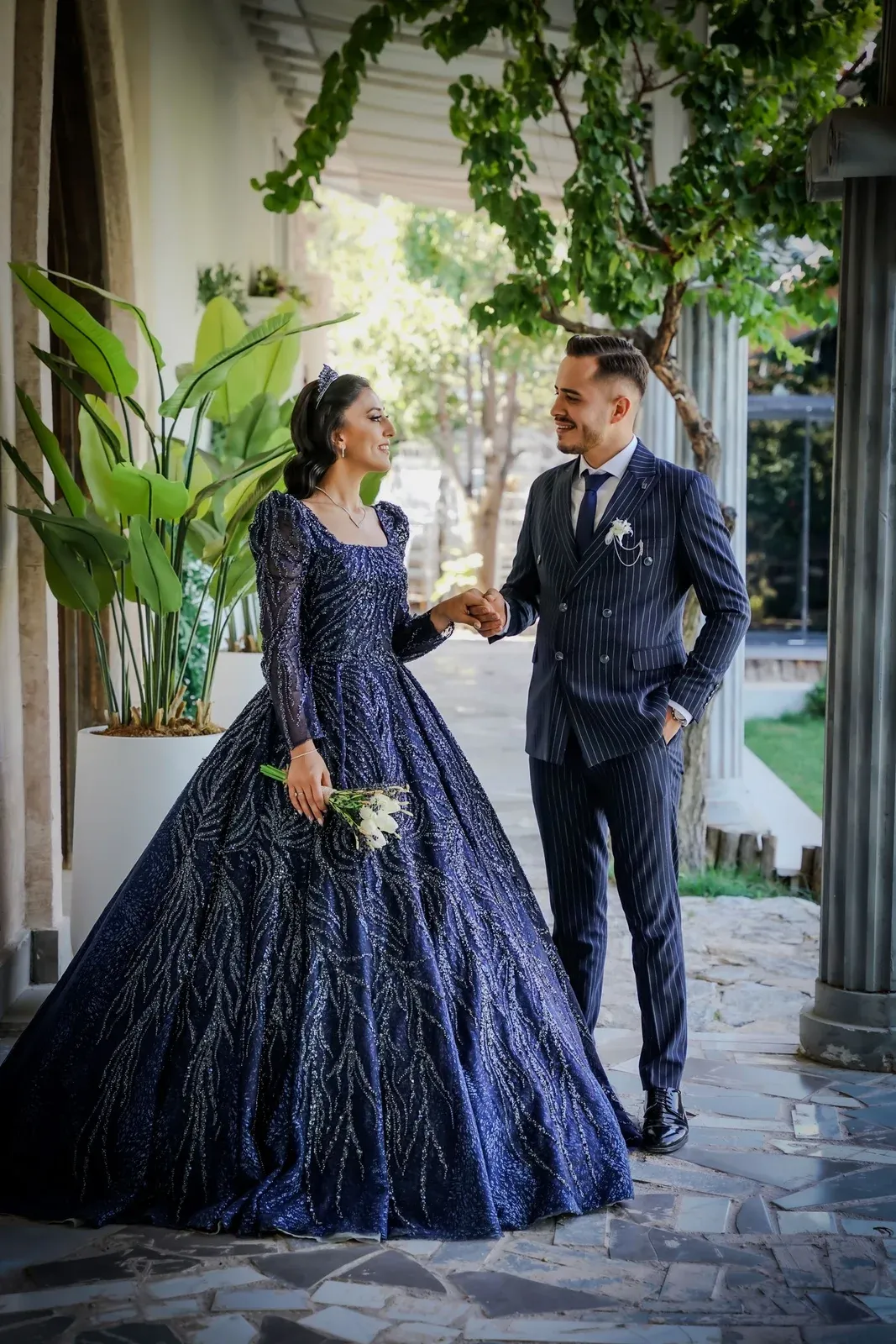
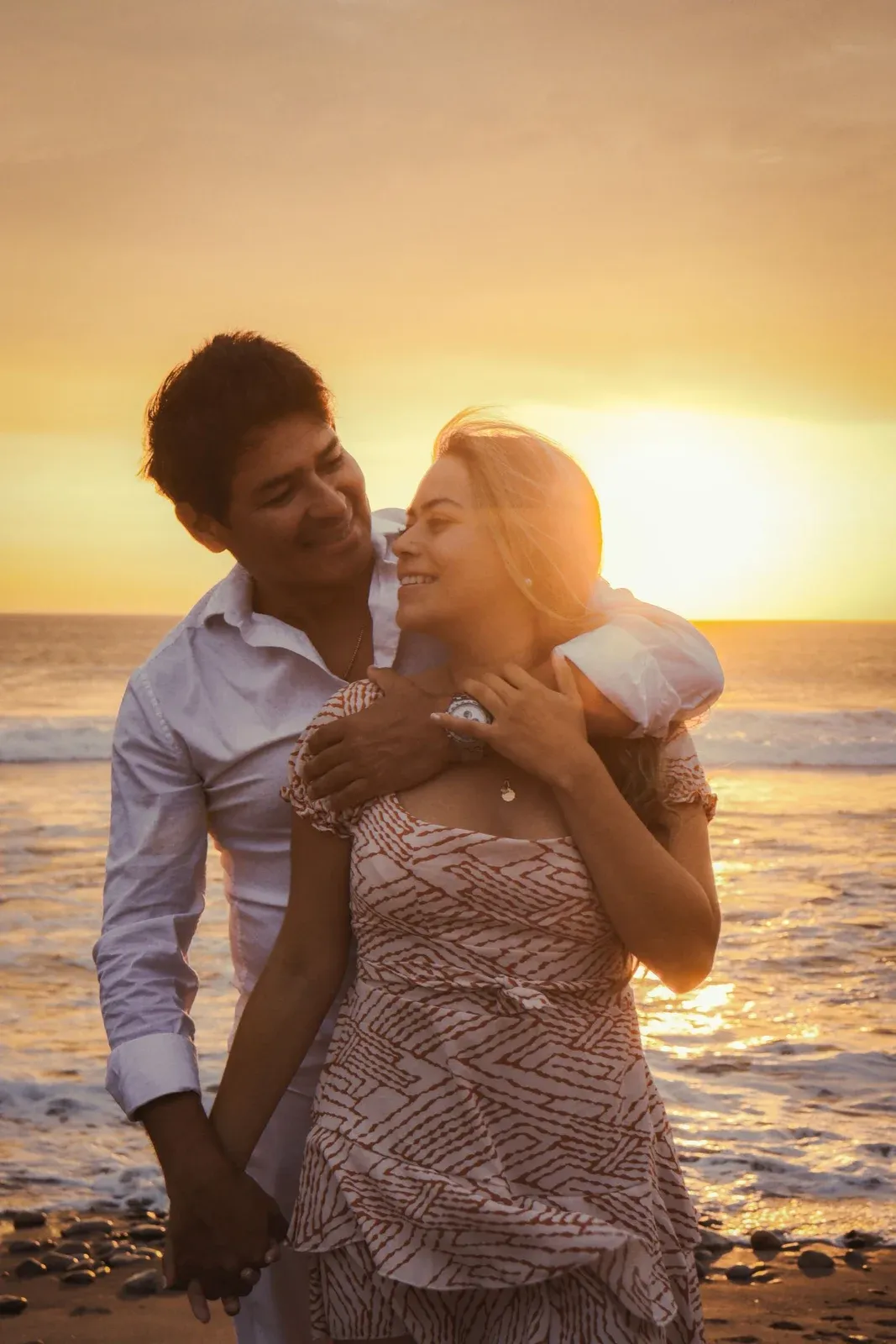
A client gallery that opens on their names.

Send one link. Your clients see a full-screen cover with their names, then the whole shoot in the layout you chose, on any phone or laptop. No app to install, no account to make.

  • Start free, no card
  • 14 days of Pro first
  • Then Free, or Pro at €10 a month
  • One link, no client login
  • Favorites, notes and downloads
  • Galleries in 13 languages
  • Deletes itself on your date
The cover

The first thing they see is their own day.

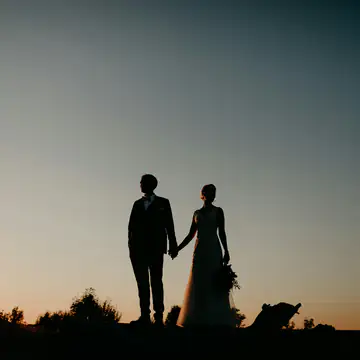
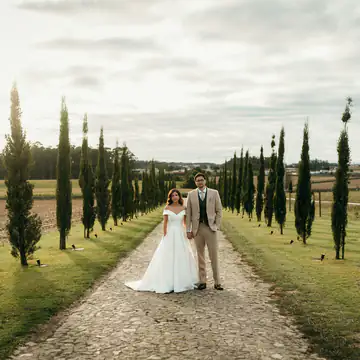
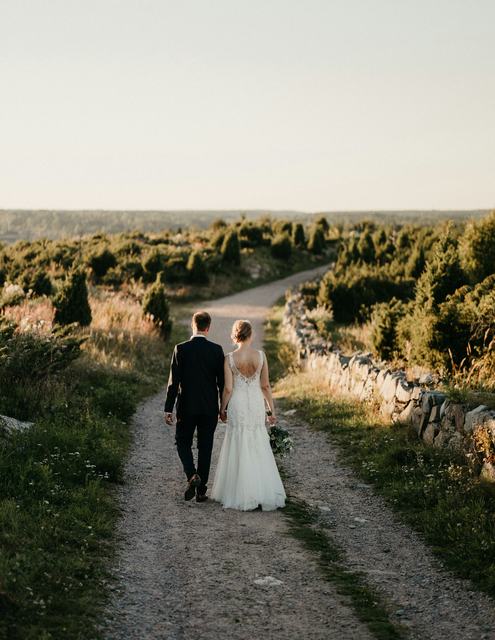
Every gallery starts on a full-screen photo you choose, with your clients' names across it and one button in. Make any photo the cover, pick an accent color and set how much to darken it. Each change saves as you make it.

  • Any photo as the cover
  • Accent color and cover darkening
  • Your name on the cover, if you like
Three layouts

Rows, grid or full-bleed.

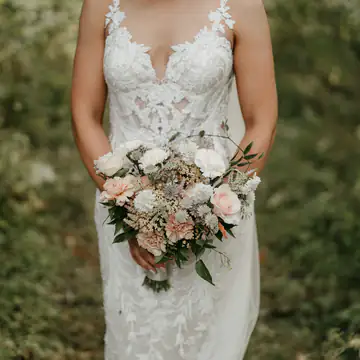
Rows keeps every photo's own shape in big editorial lines. Grid sets them in even squares. Full-bleed gives each frame the whole width for a slow scroll. Each one comes in light or dark.

  • Change the layout after sending
  • The link stays the same
One link for everyone

The couple, the family, the guests.

Nobody signs up. They open the link in any browser, heart favorites, leave a note on a photo and download. Split a long day into folders, and the Share button passes the gallery on in one tap.

  • Works on any phone or laptop
  • Folders for each part of the day
Photo proofing galleries
13 languages

In your client's own language.

The gallery's buttons, prompts and favorites flow come in 13 languages. Set the language when you create the gallery, and visitors can switch from the header. Their choice is remembered.

  • Set per gallery
  • Visitors can switch
How it works

From upload to one link.

  1. 01

    Create the gallery

    Name it after the couple or the day. Your defaults fill in the password, the language and how long it stays open.

  2. 02

    Upload and arrange

    Drag the shoot in, split it into folders, put the photos in order and choose a cover.

  3. 03

    Send one link

    Copy the link, or press Send to client and we email it for you.

FAQ

Questions, answered

More in the help center

Does my client need an account or an app?

No. The gallery opens in any modern browser from the link you send. The first time they heart a photo they are asked for their name, so you know who picked what, and that is all.

Can I change the look after I have sent the link?

Yes. Layout, theme, cover photo, accent color and darkening all change in Design & cover, and each change saves by itself. The link stays the same.

Which languages can the gallery show?

English, Spanish, German, French, Italian, Portuguese, Dutch, Polish, Russian, Ukrainian, Lithuanian, Latvian and Swedish. You set one per gallery, and visitors can switch.

Will the gallery show up on Google?

Not unless you switch it on. Client galleries are kept out of search engines by default, and a gallery with a password is never indexed.

How many galleries can I run at once?

Free has one active gallery at a time. Pro and Studio have unlimited galleries, limited only by storage, and every gallery that expires gives its space back.

Will Capturely branding appear on my galleries?

On the Free plan the gallery shows a small Delivered with Capturely line. Pro and Studio remove it.

Start free today

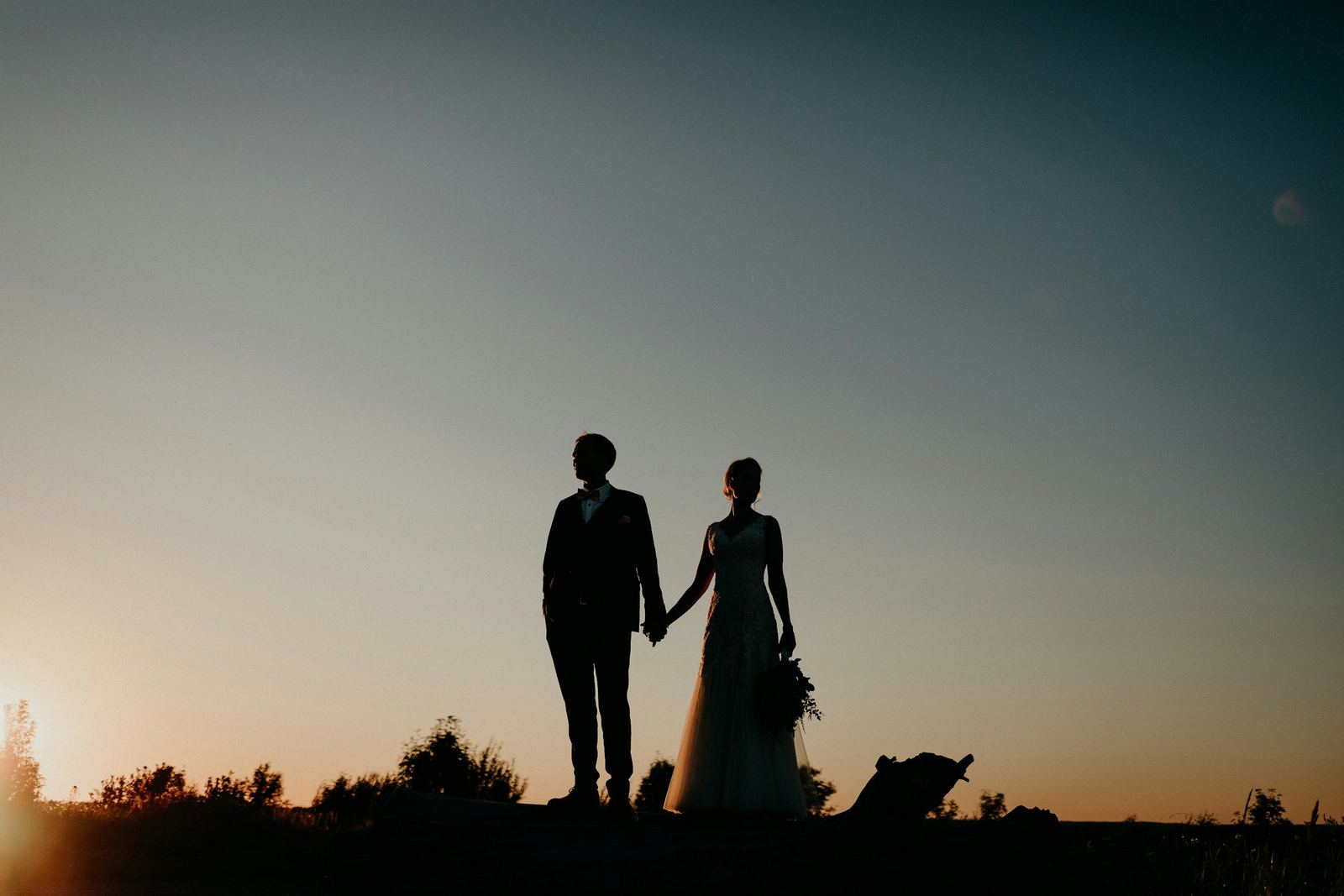
Your next gallery could open on their names.

Client galleries are on every plan, Free included.

Free
€0
No card needed
  • 1 active gallery
  • 15 GB of storage
  • Galleries open 14 days, extend once
Start free
Pro
€10a month
or €5.83/mo billed yearly14-day free trial, no card
  • Unlimited galleries
  • 120 GB of storage
  • Any expiry date, or never
  • Custom domain
  • No Capturely branding
  • Video delivery (MP4, MOV)
Try Pro free for 14 days

The Pro trial needs no card. Add one to stay on Pro: nothing is charged before day 14.