Stamp your name or logo on the photos while your client chooses, lock the gallery with a password, and switch downloads on only when you deliver. Every image is shown through a private link that expires.
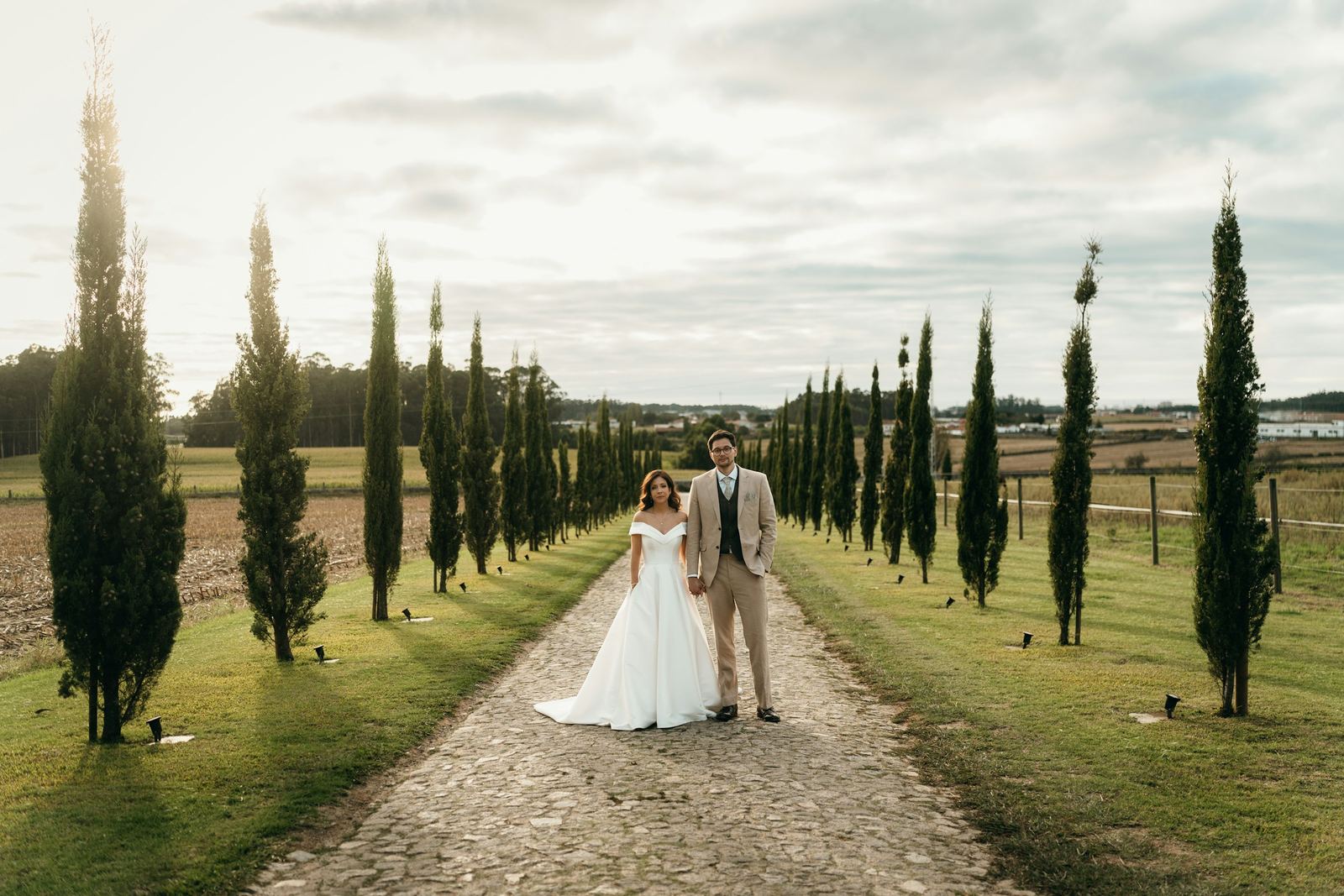
Choose text or your logo, a layout, a size and an opacity. Tiled lays a light diagonal pattern over the whole frame, which is hard to crop out. The preview stamps a real photo with the same code that stamps your galleries.
The mark is drawn into the images the gallery serves, so saving a picture saves the mark with it. Your original stays clean in storage. Switch downloads on to deliver, and the gallery's images are made again without the mark.
Add a password and anyone who opens the link is asked for it first. Send to client puts it in the email for you, and you can reveal or change it at any time.
On every plan
Sent with the link
Anna & MarkThis gallery is privateEnter password••••••Unlock
Client-only folders
Some photos for the couple only.
Show guests the highlights and keep the full set behind an access code. Your client taps I'm the client, enters the code, and the hidden folders appear. Their access is remembered on that device for three days.
Guests see a selection
Your client sees everything
HighlightsFull galleryI'm the client
Client accessEnter your access code to unlock all of your photos.Access codeA7K2Unlock
How it works
Set it once, use it on every proof.
01
Set your watermark once
In Settings, choose text or a logo, a layout, a size and an opacity, and check the live preview.
02
Switch it on per gallery
Turn downloads off and apply the watermark. Its images are stamped; your originals are not.
03
Lock what needs locking
Add a password, keep some folders for your client behind a code, and you are done.
Can I watermark a gallery and still allow downloads?
No, and on purpose. The watermark is for proofs, so it is offered while downloads are off. When you deliver, switch downloads on and your client gets your clean originals.
Can I use my logo instead of text?
Yes. Choose text or a logo, then a layout (Center, Corner or Tiled), a size and an opacity. The preview shows the result on a real photo.
Does the watermark change my original file?
No. The mark is drawn into the copies the gallery shows. The file you uploaded stays exactly as it was, ready for the final delivery.
What is the difference between a password and a client code?
A password locks the whole gallery. A client code opens extra folders inside a gallery that is otherwise open, so guests see a selection and your client sees everything.
Are watermarks and passwords on the Free plan?
Yes. Watermarks, passwords, client-only folders and expiring image links are on every plan, Free included.
What if someone copies an image address and shares it?
It stops working. Image links are signed and expire within 30 hours, and client galleries are kept out of search engines.
Start free today
Proof safely, deliver cleanly.
Watermarks and passwords are on every plan, Free included.
With your permission we use analytics cookies to see how our site is used, and advertising cookies to measure which of our ads bring photographers to Capturely. Your clients' galleries never carry ours. Cookie policyAnalytics and ad cookies, only if you allow them.