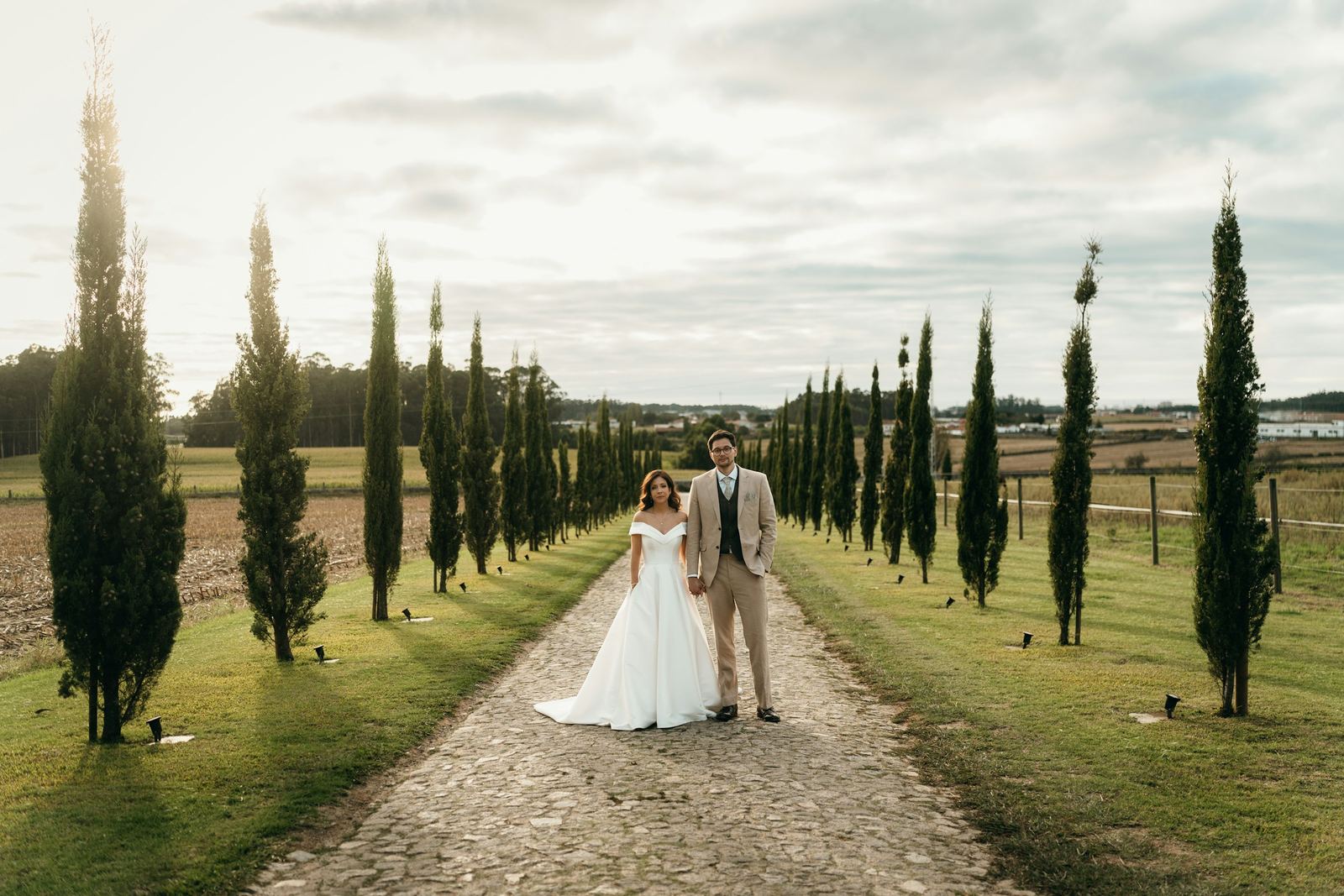
A portrait session fits through almost anything. A full wedding, a two-day event or a big family reunion does not: hundreds of full-size photos, often several gigabytes, sent to someone who will open the link on a phone. That is where 'just send a link' starts to break.
This guide is about the whole gallery, not a few files: how to work out how big it really is, what each common way of sending it does with that size, and how to make sure the client ends up with every photo. The short version: transfer links and shared folders move files, a client gallery delivers photos, and the right choice depends on who is at the other end.
First, know how big the gallery is
Before you choose a method, open the export folder and note two numbers: how many photos and how many gigabytes. Full-size JPEGs from a modern camera are often several megabytes each, so a few hundred of them quickly add up to gigabytes. RAW files, if you deliver them, are larger again. A few export habits keep the size sensible:
- Export at full size in sRGB, the color space phones and browsers expect.
- Use a sensible JPEG quality. The very highest settings make files much larger for little visible gain.
- Keep the order of the day in the file names, so the photos open in the right sequence after download.
- Make a smaller web set only if the client needs one for sharing; the free photo compressor does it in your browser, without uploading anything.
WeTransfer and other transfer links
A transfer link is the quickest way to move a pile of files once. The limits are size and time: WeTransfer's own help centre (checked in November 2026) says the Free plan allows up to 10 transfers or 3 GB in any 30-day period, and that uploads on the Free and Starter plans stay online for up to 3 days. A full wedding often will not fit in a free transfer, and a client who opens the email after a weekend away can find the link gone.
What arrives is a list of files, not a set of photos to look through. On an iPhone, the files are saved to the Files app rather than the photo library, where many clients never find them again. We compare the two in detail in Capturely compared with WeTransfer.
Google Drive
A shared Drive folder costs nothing extra if you have the space, and anyone with the link can open it without signing in. The catches are space and presentation. Google's free 15 GB is shared across Gmail, Drive and Google Photos, so one or two big weddings fill it, and the client sees a folder of file names rather than a gallery. Downloading a large folder hands the client zip files, which is easy on a laptop and awkward on a phone.
Old client folders also sit in the same space as your own work until you remember to delete them. See Capturely compared with Google Drive for the full picture.
Dropbox
Dropbox is good at syncing and backing up your own files, and a shared link or Dropbox Transfer sends copies to anyone. Dropbox Basic gives 2 GB for free, so a full gallery usually means a paid plan, and link passwords and expiration dates are listed from the Professional and Essentials plans up. As with Drive, the client gets files rather than a gallery. We set the two side by side in Capturely compared with Dropbox.
A client gallery
A client gallery is made for exactly this job: one link that opens on a cover with large previews, where the client can look through hundreds of photos on a phone, download one photo or the whole set, and pass the link to family. The size limit comes from your storage plan rather than from each transfer, and the link stays open until the date you choose. The trade-off is one more tool, usually with a monthly plan once you outgrow the free tier.
| What matters | Transfer link | Google Drive | Dropbox | Client gallery |
|---|---|---|---|---|
| Free space | 3 GB in 30 days on WeTransfer Free | 15 GB, shared with Gmail and Photos | 2 GB on Basic | Depends on the plan; Capturely Free has 15 GB |
| How long the link lasts | Up to 3 days on Free and Starter | Until you delete it | Until you delete it, or a date on higher plans | Until the date you set |
| What the client sees | A list of files | A folder of files | A folder of files | A gallery with large previews |
| Saving on a phone | To the Files app on an iPhone | Through the app or the browser | Through the app or the browser | A photo straight to the photo library, or everything at once |
| Client marks favorites | No | No | No | Usually built in |
How to make sure the whole gallery arrives
- Send the link in a short message that says how many photos there are and how long the link stays open.
- Ask the client to download everything to a computer or their own backup, not only to a phone.
- Split a long day into folders, so a phone can save one part at a time.
- Check a few days later that the download worked. 'Did all the photos come through?' takes a minute and saves a panicked message next year.
- Keep your own archive copy, whichever way you send. A delivery link is not a backup.
How Capturely handles large galleries
In Capturely you drag the whole shoot in, and the upload runs with live progress while you keep working. Every photo gets web sizes for fast viewing on a phone, and the original file stays exactly as you uploaded it. Your client opens one link without an account, saves single photos straight to the photo library on a phone, or downloads everything with Download all as a zip of the originals, and each folder can be downloaded on its own. Send to client emails the link for you, and with the client's email on the gallery they get a reminder 3 days before it closes. A gallery can be as big as your storage: 15 GB on Free, 120 GB on Pro and 500 GB on Studio.
Questions photographers ask
What is the best way to send hundreds of photos to a client?
For photos the client will look at and share, a client gallery: one link, previews first, downloads on any device. For files going to another professional who needs them once, a transfer link is fine.
Can I email a photo gallery?
Not the photos themselves: email providers usually cap attachments at a few dozen megabytes, far below a full gallery. Send a link to a gallery or a transfer instead.
Should I send RAW files with the gallery?
Only if the client asked for them and they are in your agreement. Most clients cannot open RAW files, and they make the delivery much larger. If you do send them, put them in a separate folder so nobody is confused by files that will not open.
How long should the download link stay open?
Long enough for the client and their family to download comfortably, with a reminder before it closes. A few weeks for a session and a few months for a wedding is a common rhythm.
Send your next large gallery as one link your client can open on any phone, free to start.
Try Capturely free