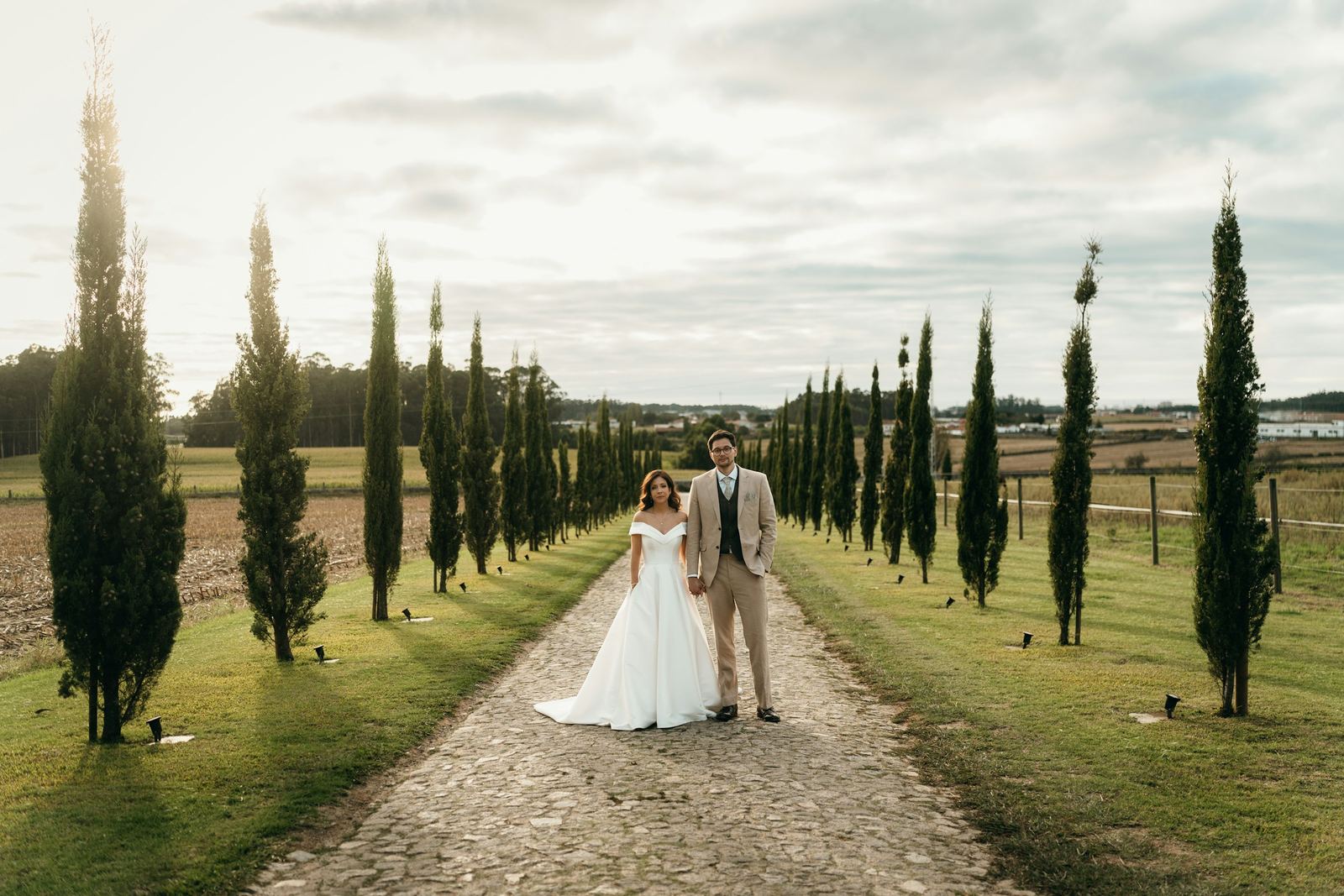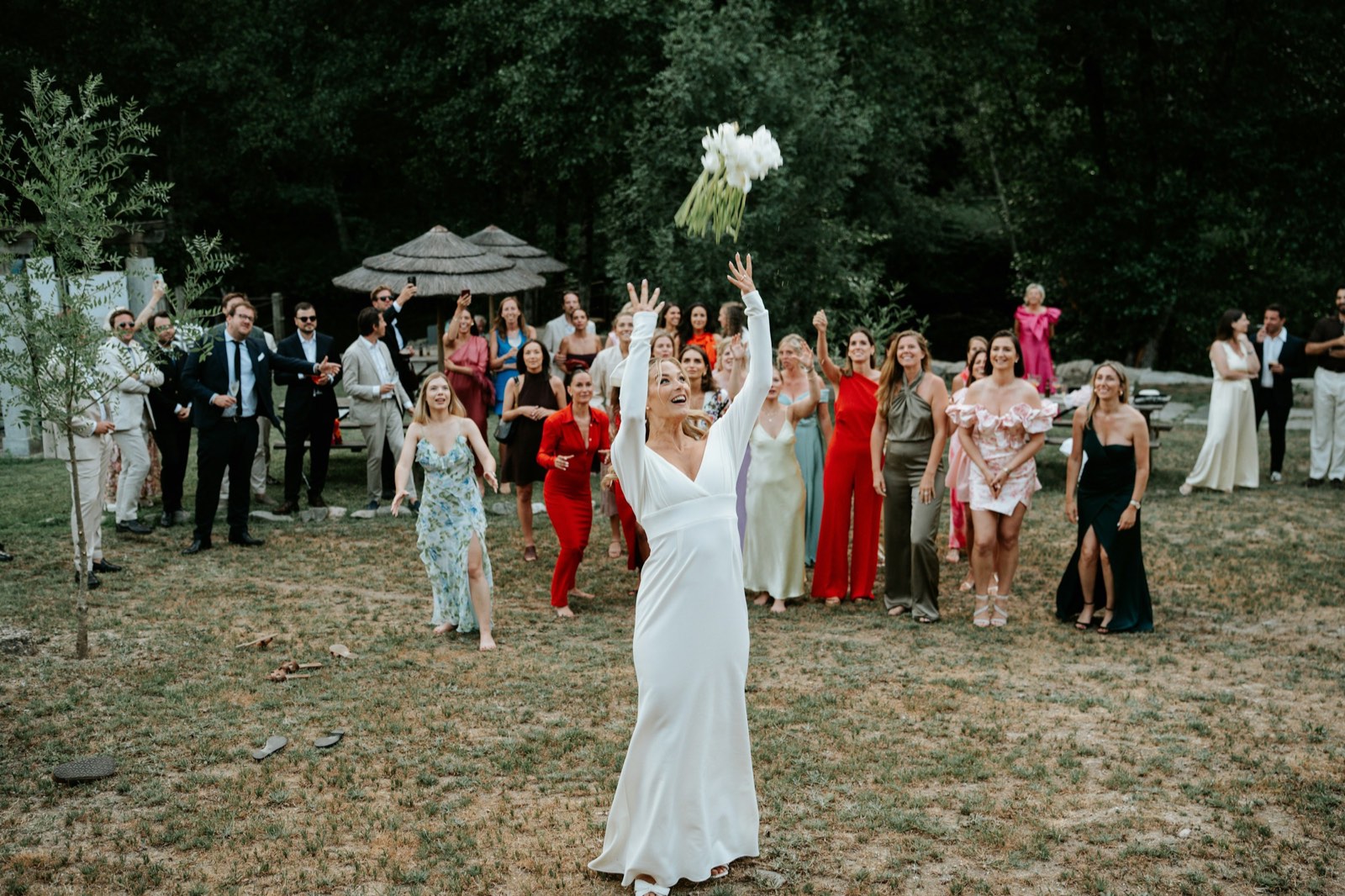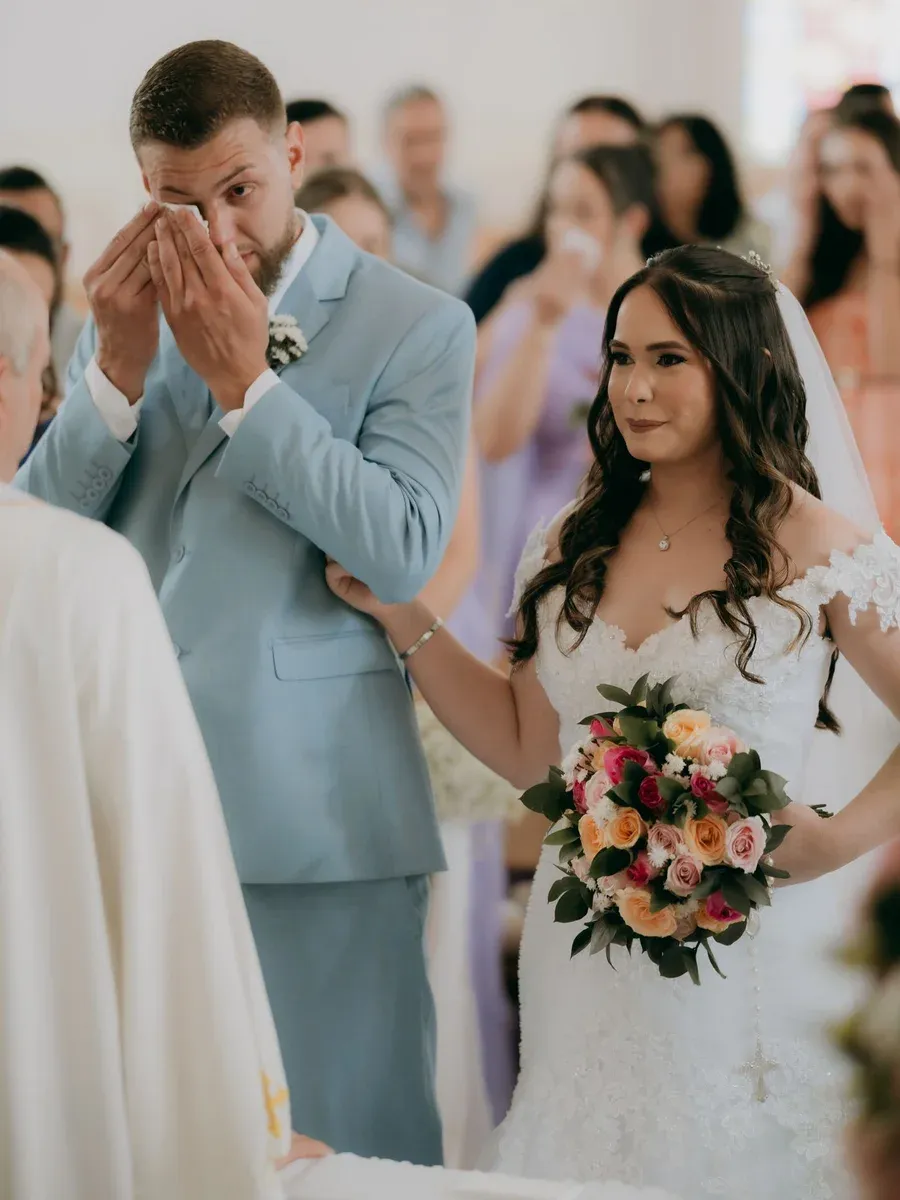
The wedding is shot, the cards are backed up, and now the part that actually shapes how a couple remembers you: delivery. A confusing download link or a gallery that looks like a file dump can undercut weeks of beautiful work. A clean, well-built gallery does the opposite: it makes the photos feel like a gift and quietly turns the couple into your next three referrals.
This is an end-to-end guide for working photographers. Where a tool helps, I'll point to how Capturely handles it, honestly and without overselling.
Step 1: Cull, edit, and export the right files
Delivery quality starts in your editor, long before any link goes out. Tighten the cull first: couples want a curated story, not every near-duplicate of the first kiss. Then edit, and export with delivery in mind.
- Cull hard. A full wedding day rarely needs more than 400-700 finished images. Cut blinks, duplicates, and anything that doesn't move the story forward.
- Edit consistently so the ceremony, portraits, and reception feel like one cohesive set.
- Export full-resolution JPEGs in sRGB for screen accuracy. Keep your TIFFs/PSDs and RAWs archived separately.
- Name files predictably (for example, 0001-1200) so the gallery order is clean and any future reference is easy.
- Sanity-check a handful of exports at 100% before uploading: sharpening, color, and orientation.
Step 2: Choose how you'll deliver
USB drives get lost in a drawer. Raw cloud-drive folders dump hundreds of unsorted files on people who just want to look at their photos. A dedicated client gallery is the modern standard because it does three jobs at once: it presents the work beautifully, it handles downloads cleanly, and it gives the couple a link they can share with family.
Capturely is built for exactly this: upload a shoot, get a clean shareable gallery link, and clients view, favorite, and download with no account required. That last part matters more than it sounds: every account wall you remove is one less reason a parent gives up before they ever see the photos.
Step 3: Build a gallery that feels like a gift
Presentation is where a gallery earns its keep. The goal is for the couple to open the link and feel something before they've scrolled a single frame.
- Lead with a cinematic full-screen cover. In Capturely, the cover opens on the client's names, so the first thing they see is personal, not a grid.
- Let the photos breathe in a justified-grid viewer with an elegant lightbox for full-frame viewing.
- Keep orientation honest: photos display in the orientation you shot them, so verticals stay vertical.
- Set a deliberate order. Run the story chronologically (prep, ceremony, portraits, reception) or open with your ten strongest frames, then tell the day.
Step 4: Share the link the right way
Once the gallery is built, sharing is a single link, easy to drop in an email, a text, or a closing message. A couple of choices make it feel professional and keep it private.
- Send the link directly to the couple first, with a short personal note, before anyone else sees it.
- Decide on privacy. Capturely galleries aren't indexed by search engines by default, and you can add a password to make a gallery fully private; password-protected and expired galleries are never indexable.
- Brand the link. On paid plans you can remove Capturely branding, and every account gets a free yourstudio.capturely.me subdomain. A public studio page can list your active galleries.
Step 5: Get downloads right
Downloads are where good intentions go to die. The couple wants their full-resolution files; the grandparents want one nice shot for a frame; you want control over what leaves the gallery.
- Offer both: full-resolution single-photo downloads and a whole-gallery zip for the couple who wants everything at once.
- Watch what's popular. Per-photo download counts show you which images resonate, which is useful for knowing what to print, license, or post.
- For sneak-peek or proofing galleries, turn downloads off for a view-only experience, with an optional watermark.
Step 6: Use favorites to drive albums and prints
If you sell albums or prints, favorites are the quietest, highest-leverage feature in your delivery. Instead of long email threads about which frames go in the album, the couple builds the selection themselves.
- Ask the couple to heart their favorites to build a selection for retouching or the album.
- Set an optional pick limit so a 40-page album doesn't arrive as 300 'must-have' frames.
- Turn on per-photo comments so they can leave notes ('crop tighter', 'this one for the parents').
- The first time a client favorites, Capturely asks their name (email and phone optional), so you know whose picks you're looking at.
Step 7: Set an expiry that protects privacy and your storage
Galleries shouldn't live forever, and not just for storage reasons: couples generally appreciate knowing their photos aren't sitting on the open internet indefinitely. Capturely's self-deleting galleries let you set a window from 7 days up to a year, a custom date, or Keep forever.
When the window ends, the gallery and the originals are permanently removed. That's a clear privacy promise to the couple and a way to keep your storage (and cost) lean. The couple also gets an email reminder a few days before the gallery closes, so nobody misses the download window.
Let the guests in, too
Weddings are the one shoot where the audience is enormous. Aunts, college friends, and the wedding party all want the frames they're in. Share the gallery with the wider guest list so everyone can browse it on their phone and save their favorites, with no account to create.
How delivery methods stack up
| Dimension | Capturely | Generic cloud drive | Other client-gallery tools |
|---|---|---|---|
| Primary purpose | Client-gallery delivery built for photographers | File storage and sharing | Client galleries (positioning varies) |
| Client access | View, favorite, download; no account needed | Often requires the recipient to sign in | Varies; some require accounts |
| Presentation | Cinematic cover on client names, justified grid, lightbox | Plain file list / thumbnails | Generally designed for presentation |
| Favorites for albums | Hearts, optional pick limit, per-photo comments | Not really; manual workarounds | Commonly offered |
| Self-deleting galleries | Built in: 7 days to 1 year, custom date, or keep | Manual deletion only | Varies |
| Branding | Remove branding (paid); free subdomain | None | Often available on paid tiers |
There's no single right tool for everyone. A generic cloud drive is fine if you just need to hand off files and don't care about presentation. Other dedicated gallery tools are mature and worth a look, especially if you're already in their ecosystem for booking or studio management. Capturely's sweet spot is photographers who want delivery that is fast, beautiful, and private.
Step 8: Turn the delivery into referrals
The day a couple opens their gallery is the most emotional, most shareable moment of your entire relationship with them. Don't let it pass quietly.
- Make the gallery easy to share with family and the wedding party: every guest who finds their photos is a soft introduction to your work.
- Lean on the cover and order so the first thing anyone who clicks the link sees is your best, most personal work.
- Thank the couples and guests who send you new bookings yourself, with a handwritten note or a print from the day.
- Watch built-in, privacy-friendly analytics (no cookies, no third parties) to see how often the gallery is being opened, so you can follow up at the right moment.
Couples don't remember your file-naming convention. They remember how it felt to open the link and see their names on a full-screen cover. Get that moment right and the referrals take care of themselves.
A simple delivery checklist
- Cull tight, edit consistently, export full-res sRGB JPEGs.
- Build the gallery: cover on the couple's names, deliberate order, justified grid.
- Set privacy: default no-index, add a password if needed.
- Configure downloads (full-res + zip) or go view-only with a watermark for proofs.
- Turn on favorites with a pick limit and comments for album selection.
- Choose an expiry window and add the couple's email, so the reminder before it closes reaches them.
- Send the link to the couple first, then share wider; follow up with a referral ask.
Delivery isn't the afterthought at the end of a wedding; it's the part the couple actually touches, shares, and judges you by. Build the gallery with the same care you brought to the day, and the link does double duty: it delivers the work and markets you at the same time.
Build a beautiful, private, self-deleting wedding gallery in minutes, with no card required to start.
Try Capturely free