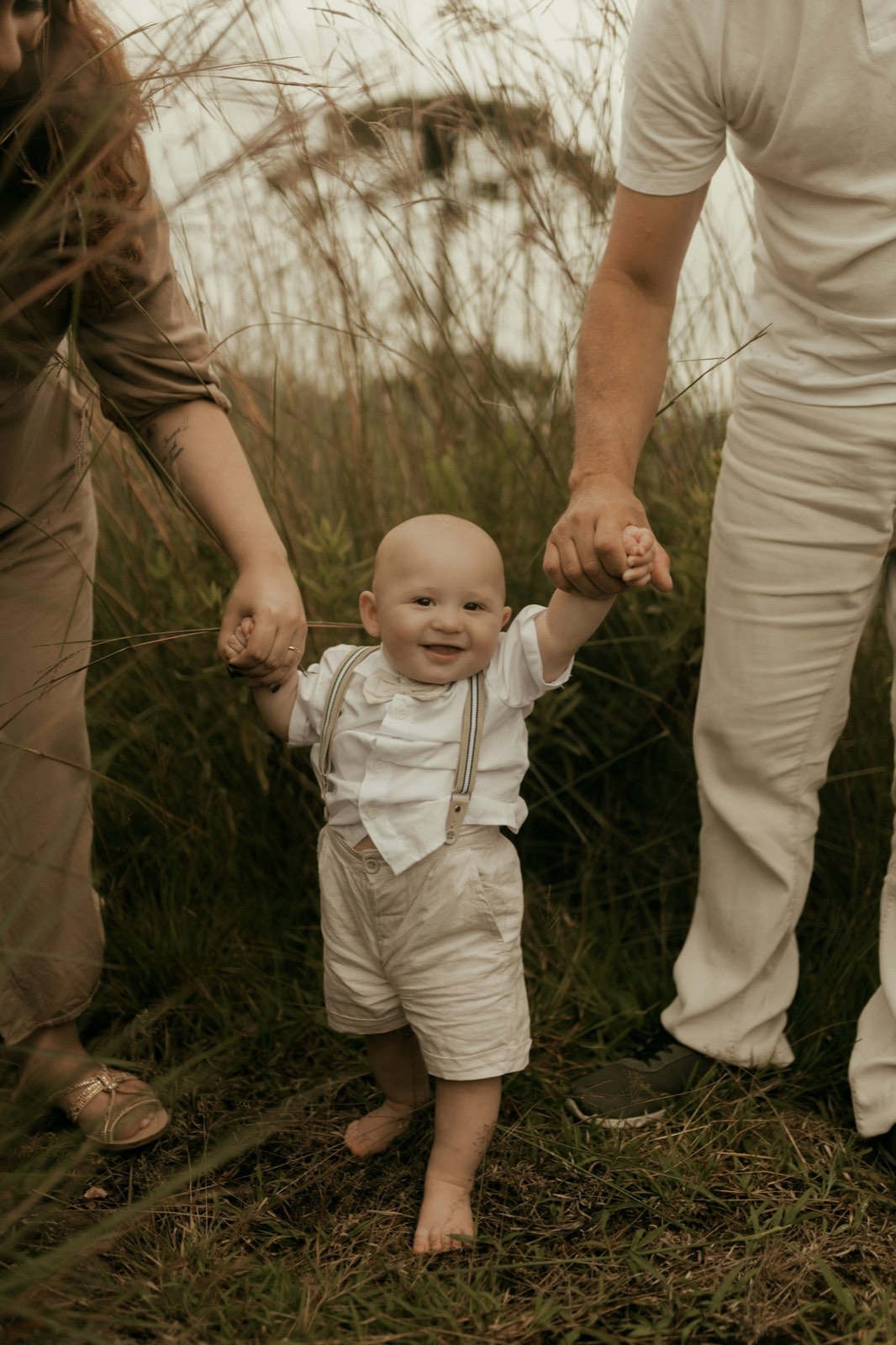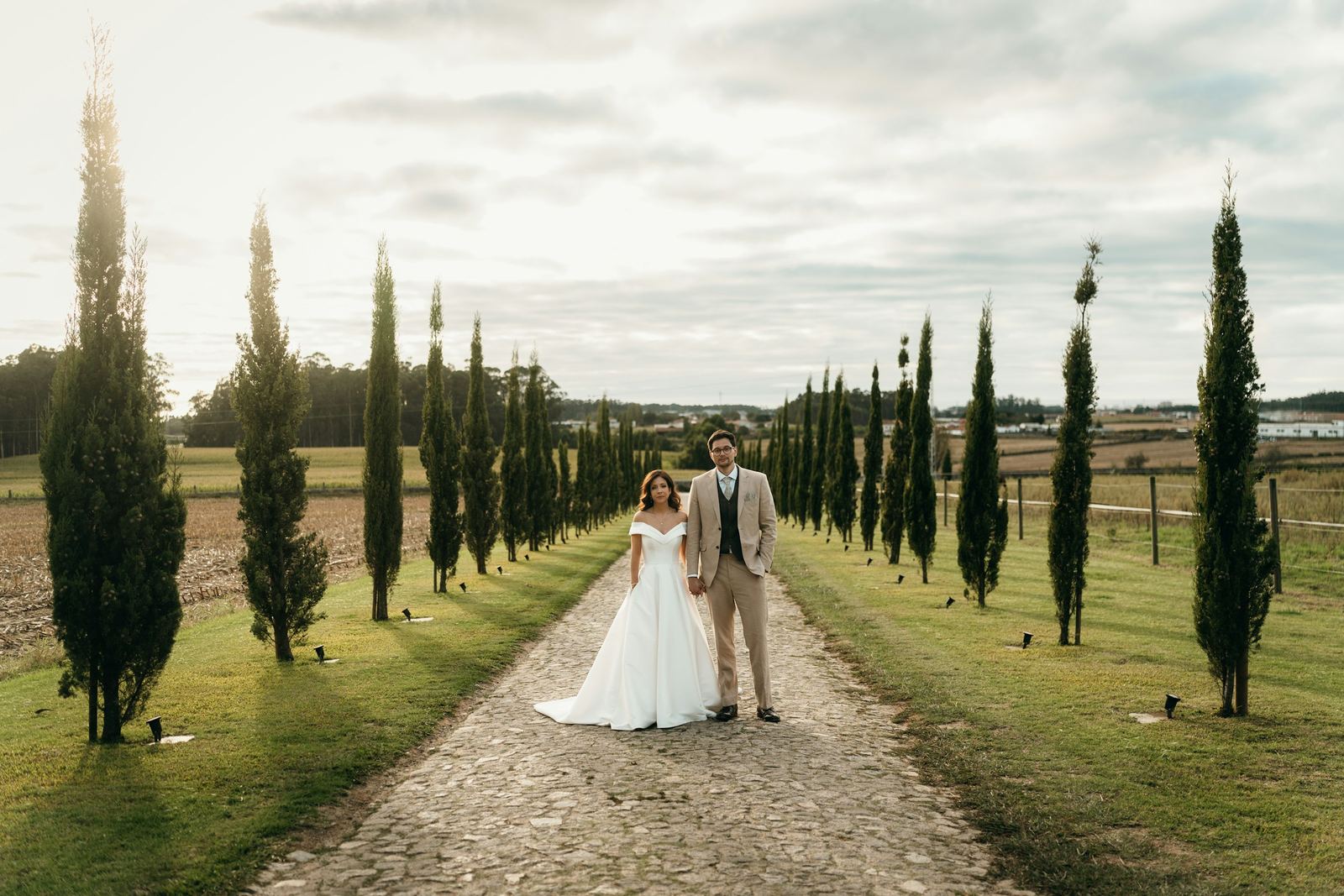
Proofing is the moment a shoot stops being yours and starts being theirs. The client tells you which frames they love, and from that list everything downstream follows: the album spreads, the retouch queue, the print order. Get it clean and the rest of the job glides. Get it messy and you are stuck chasing 'one more change' for weeks.
This guide covers what proofing actually is, why it carries more weight than most photographers give it, and how to run a single, decisive selection round, complete with an ordered workflow and a checklist you can reuse on every job.
What photo proofing actually means
Proofing is the structured step where a client reviews your delivered photos and marks the ones they want you to take further. It is not the final delivery, and it is not casual browsing. It is a decision: out of everything you shot, these are the keepers.
The output of a proofing round is a selection, a short, named list of favorites you can act on. Whether you are building a wedding album, prepping a retouch batch, or fulfilling a print order, that list is the brief. The cleaner the list, the cleaner the job.
Why proofing matters more than it looks
A weak proofing process leaks time everywhere. Here is where it shows up:
- Albums: a 40-page album needs a tight shortlist, not 600 maybes. If the client never commits to picks, you design blind and redesign endlessly.
- Retouching: skin work, dodging and burning, and compositing are expensive. You only want to spend that effort on images the client has actually chosen.
- Prints and products: a print order is a selection with a checkout attached. No clear selection, no clean order.
- Your sanity: every undefined selection becomes an open loop. Open loops are what make a finished shoot feel like it never ends.
The goal is to convert a sprawling gallery into a decision. Everything below is about making that decision easy for the client and unambiguous for you.
How proofing works in Capturely
Capturely is a client-gallery delivery platform: you upload a shoot, share a gallery link, and the client views, favorites, and downloads with no account to create. The proofing tools live right inside the viewing experience, so selecting never feels like a separate chore.
- Favorites (picks): clients heart photos to build a selection as they browse the justified-grid viewer and lightbox.
- First action asks for a name: the moment a client takes their first action, Capturely asks who they are, so each selection is attributed, not anonymous.
- Pick limit: you can set an optional cap on how many photos a client can favorite, which is the single most effective tool against bloated, indecisive selections.
- Per-photo comments: clients can leave a note on an individual frame ('crop tighter', 'this one for the canvas'), so feedback lands on the exact image instead of a vague email.
- View-only with optional watermark: you can deliver a proofing gallery that is view-only, with an optional watermark, so clients choose from the images before any full-res files leave your hands.
That combination, view-only proofs plus favorites plus a pick limit plus per-photo comments, is a complete selection round in one link. The client never sees a spreadsheet, and you never decode a list of filenames typed from memory.
Run a clean selection round: the ordered steps
- Cull before you share. The client should only ever see your already-edited shortlist of strong frames. Proofing is for choosing between good photos, not for sorting your rejects.
- Decide the gallery's job. A proofing-only round (pick favorites for the album) is different from a deliverable gallery (download everything). For a true proofing round, make it view-only, and add a watermark if you want extra protection.
- Set a pick limit that matches the deliverable. A 20-spread album might map to roughly 40 to 60 picks; a 10-print package maps to 10. Give the number a reason and the client a target.
- Write a one-line instruction in your share message. Tell them exactly what to do: 'Heart your favorites, up to 50, and add a comment on any you want changed.'
- Share the link and let them name themselves. The first-action name prompt does this automatically, so every favorite and comment is tied to a person.
- Give a soft deadline. 'Picks by Friday and I'll start the album Monday' turns an open task into a scheduled one.
- Review the favorites and comments together. The picks are your build list; the per-photo comments are your revision notes, already attached to the right frames.
- Confirm the selection before you start production. A quick 'these 48, building now' message closes the loop and makes later additions a clearly separate (and chargeable) request.
The fastest album you will ever design is the one where the client has already told you, photo by photo, which images they love. Proofing is not overhead. It is the brief writing itself.
How to avoid endless revisions
Revision spirals almost never come from bad editing. They come from an undefined selection. If the list keeps moving, the work keeps moving. A few habits keep it still:
- Use the pick limit as a forcing function. A cap forces the client to choose between near-duplicates instead of keeping both 'just in case.'
- Keep comments on the photo, not in your inbox. Per-photo comments mean feedback is specific and located. 'Make me look thinner in the third one' becomes a note on the exact frame.
- Separate selection from revision. First round picks the images. Revision notes refine those chosen images. Mixing them is how a 50-photo album becomes a 200-photo argument.
- Define what counts as 'done.' Confirm the selection in writing. Anything added after that is a new round, and you decide whether it's included or billed.
- Resist re-opening the gallery. Once picks are confirmed, build from the list. Letting clients keep editing favorites mid-production is the most common self-inflicted delay.
Where Capturely fits versus generic file tools
Plenty of photographers proof over Google Drive, Dropbox, or WeTransfer because the files already live there. Those are excellent general file tools, but they were built for moving files, not for running a selection, so verify their current features on their own sites before you rely on them for proofing.
| Capability | Capturely | Generic file tools (Drive / Dropbox / WeTransfer) |
|---|---|---|
| Built for | Photographer client galleries and proofing | General file storage and transfer; verify on their site |
| Favorites / picks | Heart photos to build a named selection | Not a native proofing concept; usually folders or comments |
| Pick limit | Optional cap on favorites | No equivalent; verify on their site |
| Per-photo comments | Comment on individual frames | File-level or shared-doc comments; verify on their site |
| Proofing protection | View-only with optional watermark | Share-link permissions vary; verify on their site |
| Viewing experience | Full-screen covers, justified grid, lightbox | Generic file preview; verify on their site |
Dedicated portfolio and gallery platforms in the wider market position themselves around delivery and storefronts too. They suit different studios in different ways. The point of proofing specifically is the selection mechanics, favorites, limits, and located comments, and that is what a purpose-built gallery gives you.
Your proofing checklist
- Gallery contains only your edited shortlist, no rejects.
- Round's job is clear: proofing-only (view-only) or full delivery.
- Watermark applied if you want extra protection on view-only proofs.
- Pick limit set to match the deliverable (album spreads, print count).
- Share message states the action and the number in one line.
- Client name captured on first action so picks are attributed.
- Soft deadline given for picks.
- Favorites reviewed as the build list; per-photo comments reviewed as revision notes.
- Selection confirmed in writing before production starts.
- Post-confirmation changes treated as a separate, defined round.
Run the same checklist every time and proofing stops being the unpredictable part of the job. The client gets an easy, almost enjoyable way to tell you what they love, and you get a clean, named, finite list to build from, no spreadsheets, no guesswork, no third week of edits.
Ready to deliver galleries your clients remember?
Try Capturely free